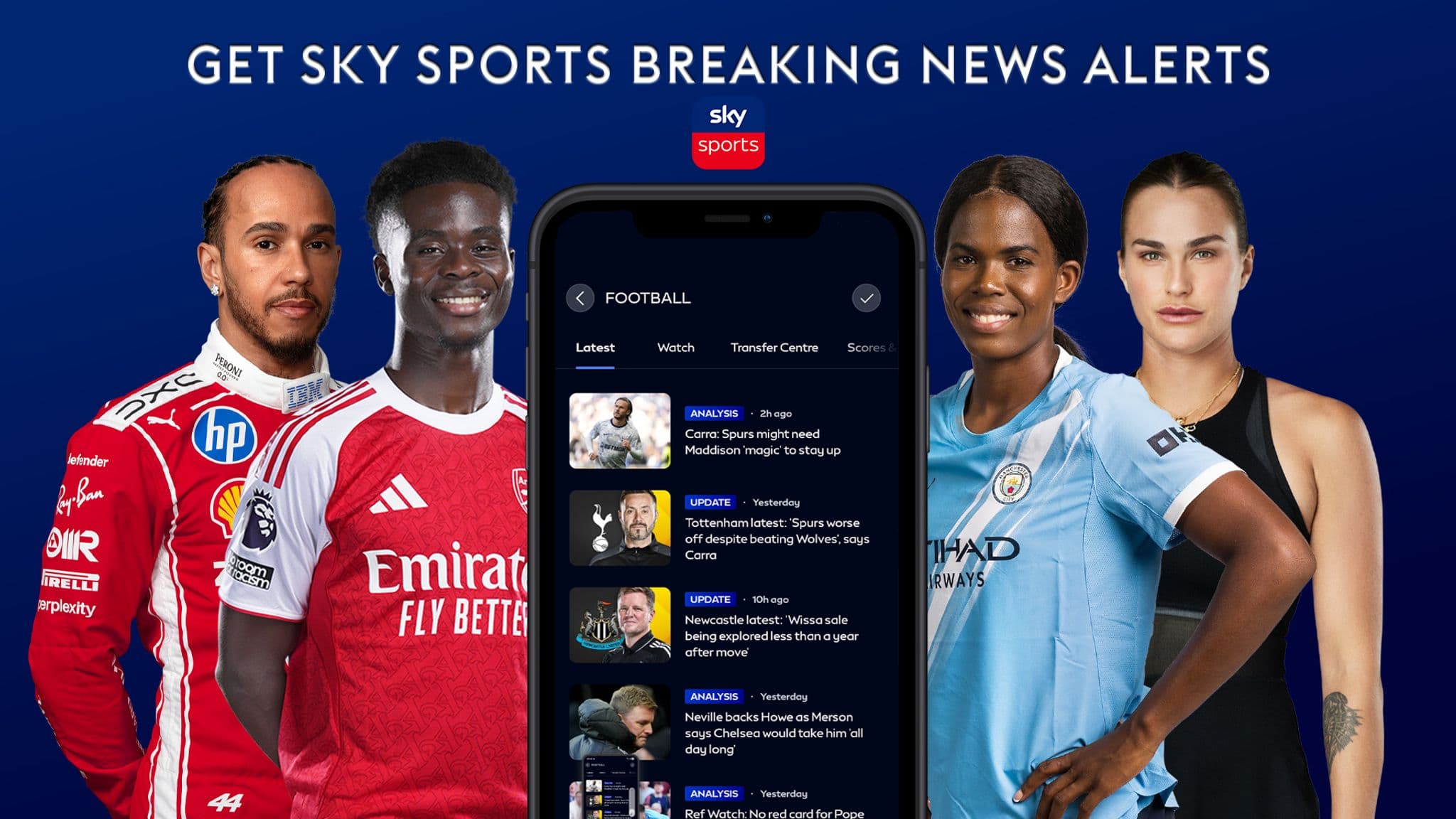
The free Sky Sports app delivers personalised sports coverage straight to your device, letting you customise alerts so you only receive the news and updates that matter to you. Whether you want live streaming on the go, instant breaking news notifications, or reminders when highlights drop, the app puts you in control of your sports experience.
You can stream live action directly on your mobile or tablet, get breaking news delivered instantly to your device, or receive alerts when highlights from your favourite sports become available to watch. This means you'll never miss a key moment, even when you're away from home.
For the 2026/27 season, Sky Sports has introduced several new features to enhance your app experience. The platform now offers vertical clips of Premier League action, allowing you to catch the best moments in a format designed for mobile viewing. You can also follow your favourite teams and sports, then scroll through a personalised video feed called Moments—a new vertical-video feature that delivers curated content tailored to your preferences.
Beyond video highlights, the app now includes a dedicated Transfer Centre destination where you can track the latest transfer news and updates throughout the season. According to Sky Sports, the app refresh brings together these features in a streamlined interface designed for easier navigation.
The Sky Sports app is free to download, and highlights are available without requiring a Sky subscription, though live sports streams remain available to Sky customers. This makes it accessible to a wider audience who want to stay updated on their favourite sports.
How to set up Sky Sports notifications
To get the best experience with the app's new vertical video features and notification system, ensure you have the latest version installed on your phone or tablet. Download the most recent update from your device's app store to access all the new functionality for the 2026/27 season.
Once you've updated the app and signed in with your account, you can begin customising your notification preferences. The setup process is straightforward and takes just a few moments to complete.
Customising your notification preferences
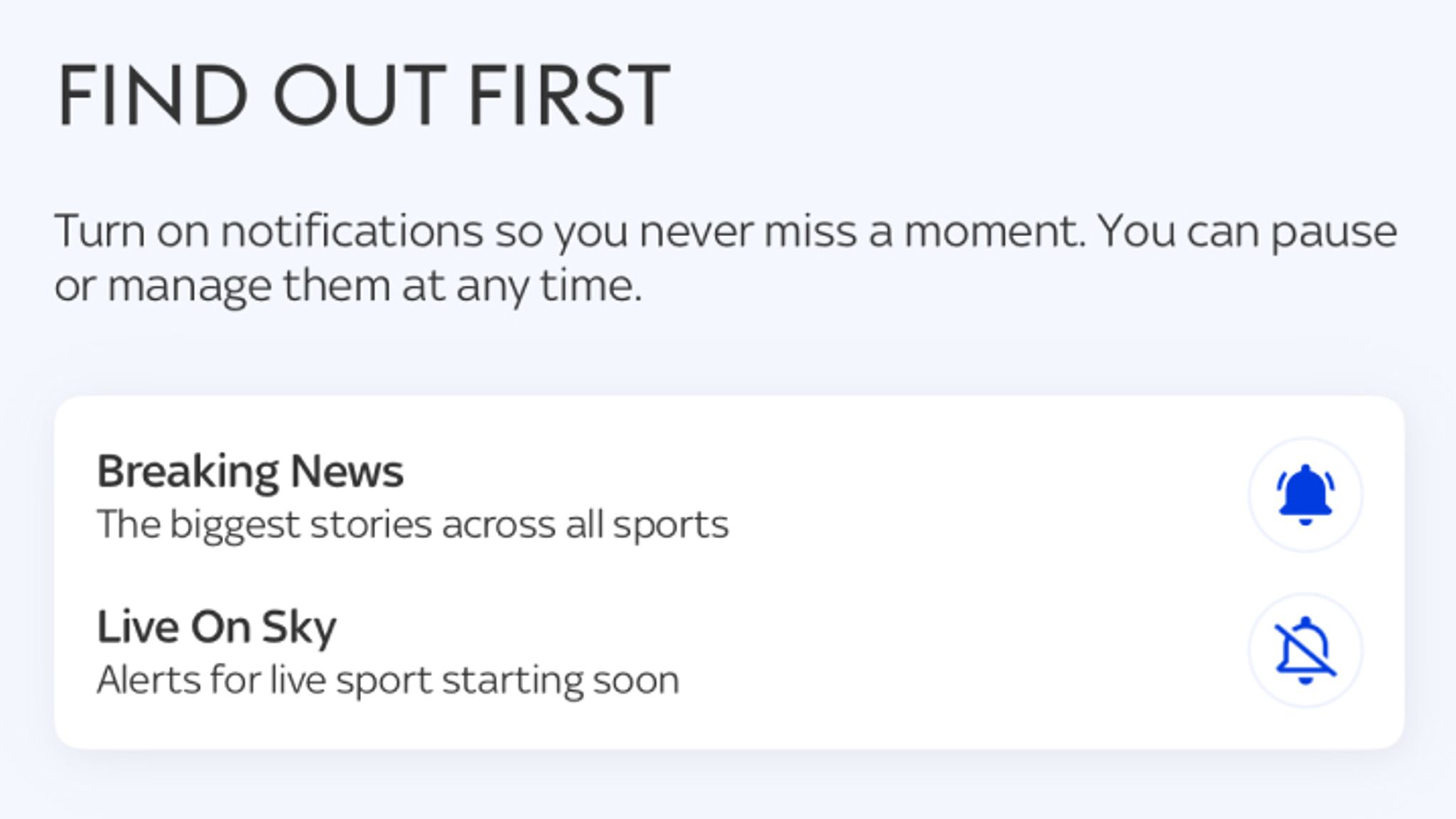
The app's notification system is built around flexibility. You can choose to receive alerts about breaking sports news without subscribing to individual sport-specific updates. Simply navigate to the Profile icon in the bottom-right corner of the app's home page, then select notifications. From there, tap on 'Breaking News' and you'll receive alerts whenever a major story emerges across the sports world—without being bombarded with daily updates from every sport.
If you're passionate about one particular sport but still want to know about major stories elsewhere, you can combine sport-specific alerts with breaking news notifications. For example, you might subscribe to all football updates while also enabling 'Breaking News' so you'll be notified when a significant Formula 1 Grand Prix result or major boxing event occurs.
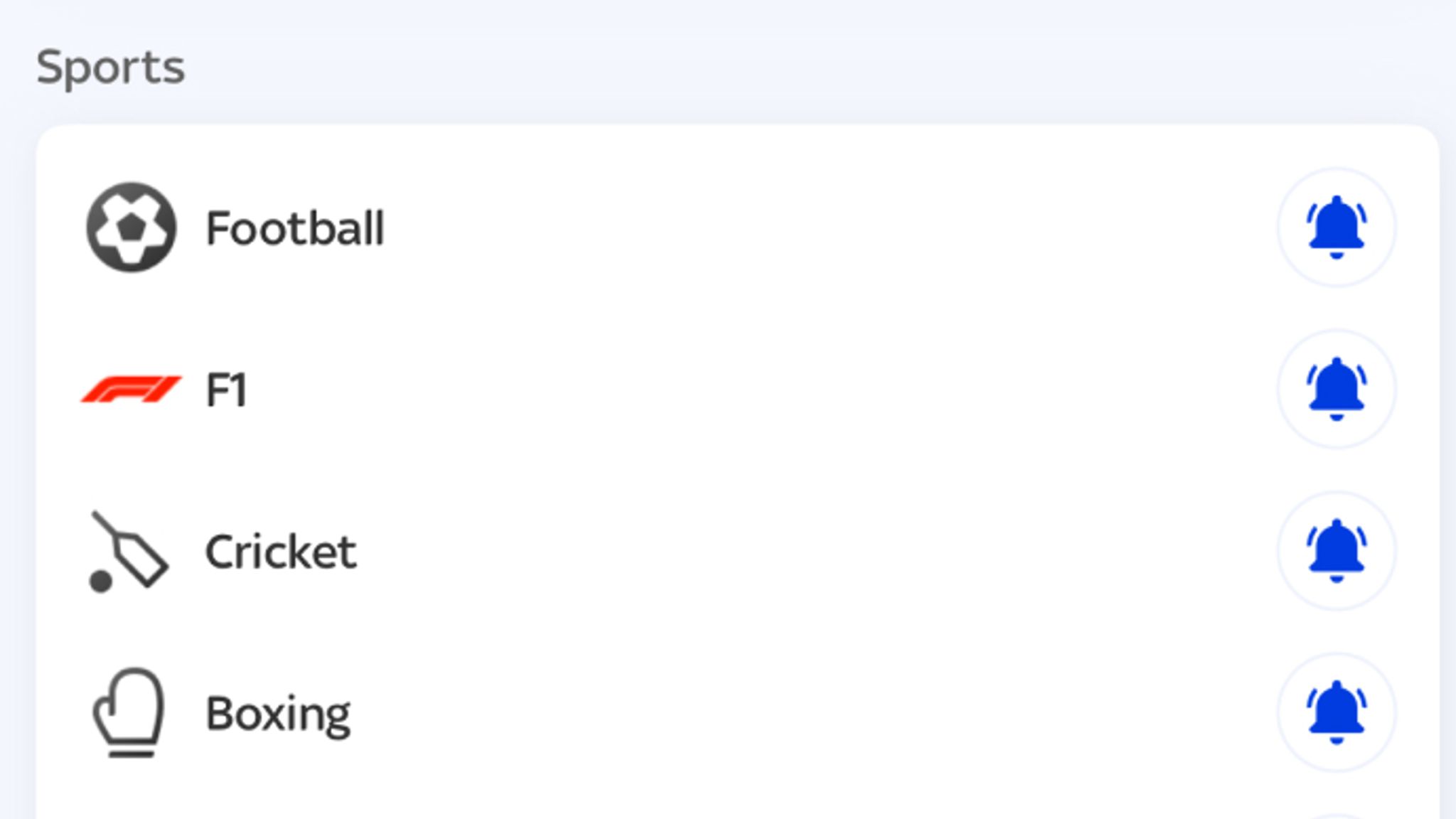
The app supports subscriptions to multiple sports simultaneously. You can select as many sports as you wish from the available options: Football, F1, Cricket, Boxing, Golf, Tennis, Rugby League, Rugby Union, Darts, NFL, Horse Racing and Netball. Each time a story breaks in any of your chosen sports, you'll receive a notification.
For viewers who want to be reminded about upcoming live coverage, the 'Live on Sky' option sends alerts about the best live action on Sky Sports' dedicated channels. This is particularly useful if you want reminders when a Grand Prix is about to start on Sky Sports F1, or when Super Sunday coverage begins on Sky Sports Premier League.
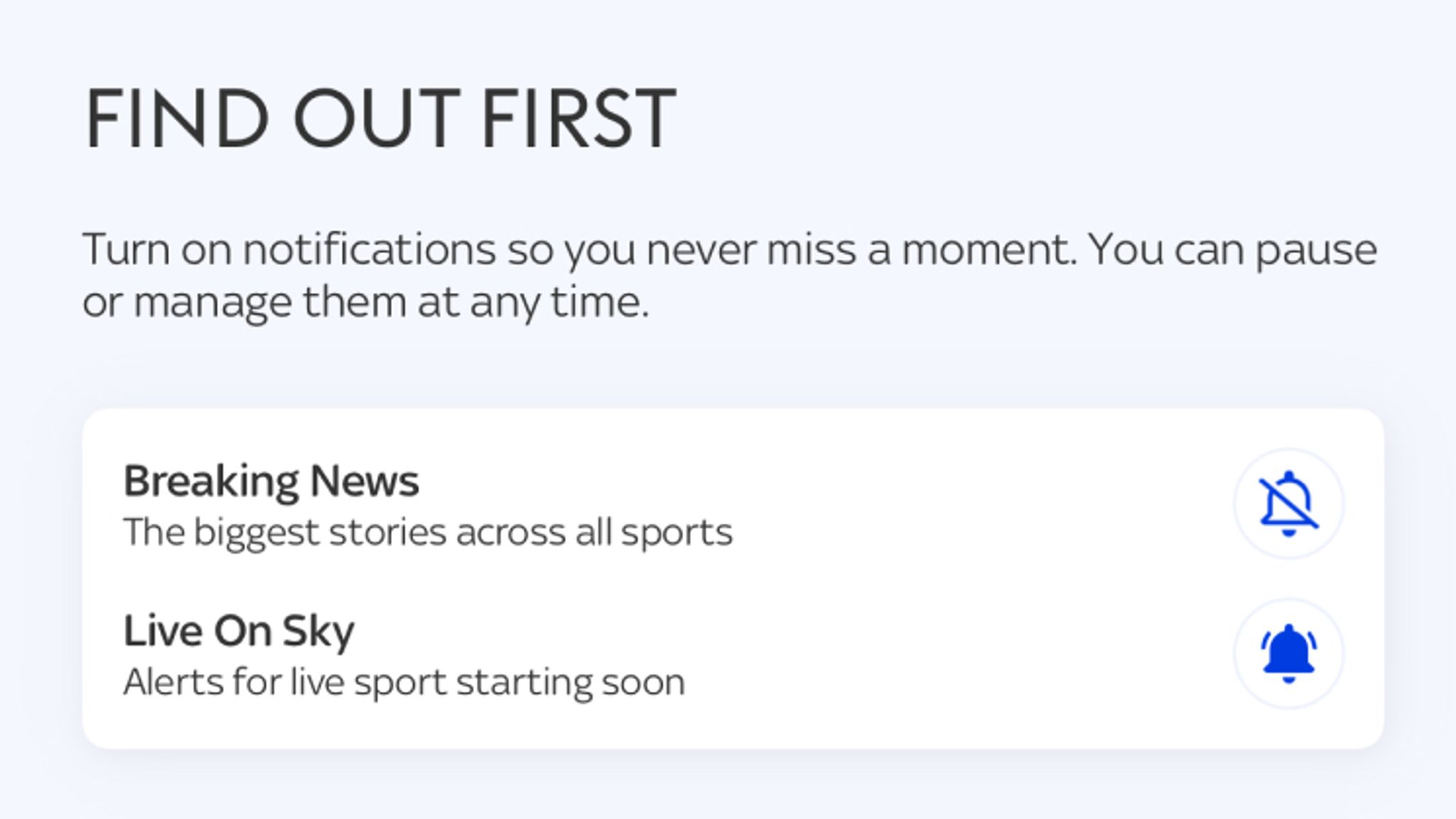
Managing your preferences is simple. You can toggle any sport, 'Breaking News', or 'Live on Sky' on and off at any time, ensuring you only receive the alerts that genuinely interest you. If your preferences change, you can adjust them instantly without any hassle.
New features for the 2026/27 season
Beyond notification customisation, Sky Sports has significantly expanded the app's capabilities. According to Broadcast Now, the 2026/27 season introduced Moments, a personalised vertical-video feed that works alongside the broader app refresh. This feature curates content based on your interests, delivering a tailored experience each time you open the app.
The app also now features Video Stories for Premier League and WSL highlights, presenting match action in a bite-sized format perfect for mobile consumption. Combined with the ability to follow your favourite teams and scroll through your personal video feed, these additions make it easier than ever to stay connected to the sports you love.
The Transfer Centre represents another significant addition, giving you a dedicated space to monitor all the latest transfer news and rumours as the window progresses. This complements the existing notification system, allowing you to stay informed about player movements across your favourite clubs.
It's worth noting that Sky's 2026/27 season refresh extended beyond the mobile app. The TV service introduced Your Multiview, a feature that lets viewers select up to four live Sky Sports events to watch simultaneously on their television, giving you unprecedented control over how you consume live sports coverage.
Frequently asked questions
Can I receive breaking news alerts without subscribing to individual sports?
Yes. Navigate to the Profile icon in the bottom-right corner of the app home page and select notifications. Tap on 'Breaking News' and you'll receive alerts whenever a major story emerges. This approach keeps you informed about significant developments without the constant stream of daily sport-specific alerts.
Can I combine sport-specific alerts with breaking news?
Absolutely. If you want dedicated alerts from your primary sport—say, football—but also want to know about major stories from other sports like Formula 1 or boxing, simply enable both your chosen sport and 'Breaking News'. You'll get comprehensive football coverage plus notifications about the biggest stories elsewhere.
Can I subscribe to multiple sports at once?
Of course. Tap on as many sports as you'd like from the available list: Football, F1, Cricket, Boxing, Golf, Tennis, Rugby League, Rugby Union, Darts, NFL, Horse Racing and Netball. You'll receive notifications whenever a story breaks in any of your selected sports, keeping you fully updated across all your interests.
How do I get reminders about upcoming live coverage?
Select the 'Live on Sky' option to receive alerts about the best live action on Sky Sports' dedicated channels. This ensures you'll be notified when coverage of major events like a Grand Prix on Sky Sports F1 is about to start, or when Super Sunday fixtures begin on Sky Sports Premier League.
What if I want to stop receiving certain alerts?
You have complete control. Toggle any sport, 'Breaking News', or 'Live on Sky' on or off whenever you like. You'll only receive the alerts you actively want, and you can change your preferences at any time without restriction.
For the optimal app experience and to access all the new vertical video features, make sure you download the latest version of the Sky Sports app onto your phone or tablet. The app is free to download and available on both iOS and Android devices.
You can also try your luck with Sky Sports' Super 6 game, which offers the chance to win up to £250,000 by entering for free.